Starter
Free
No time limit
- up to 2 sites
- up to 10 workers
- 1 employer (your own included)
- vehicles not available
- up to 3 documents per subject
- WhatsApp not included
Digital construction-site badge
CantiereGo gives every worker a digital badge with a QR code, works out on its own whether it is green or red, records attendance at the gate and from the phone, and prepares the monthly hours for the payroll consultant. Start free with two sites and ten workers.
No credit card. Nothing to install: the wallet is a web page the worker saves to the home screen.
What you find the moment you sign in: no promises, only what is already in production.
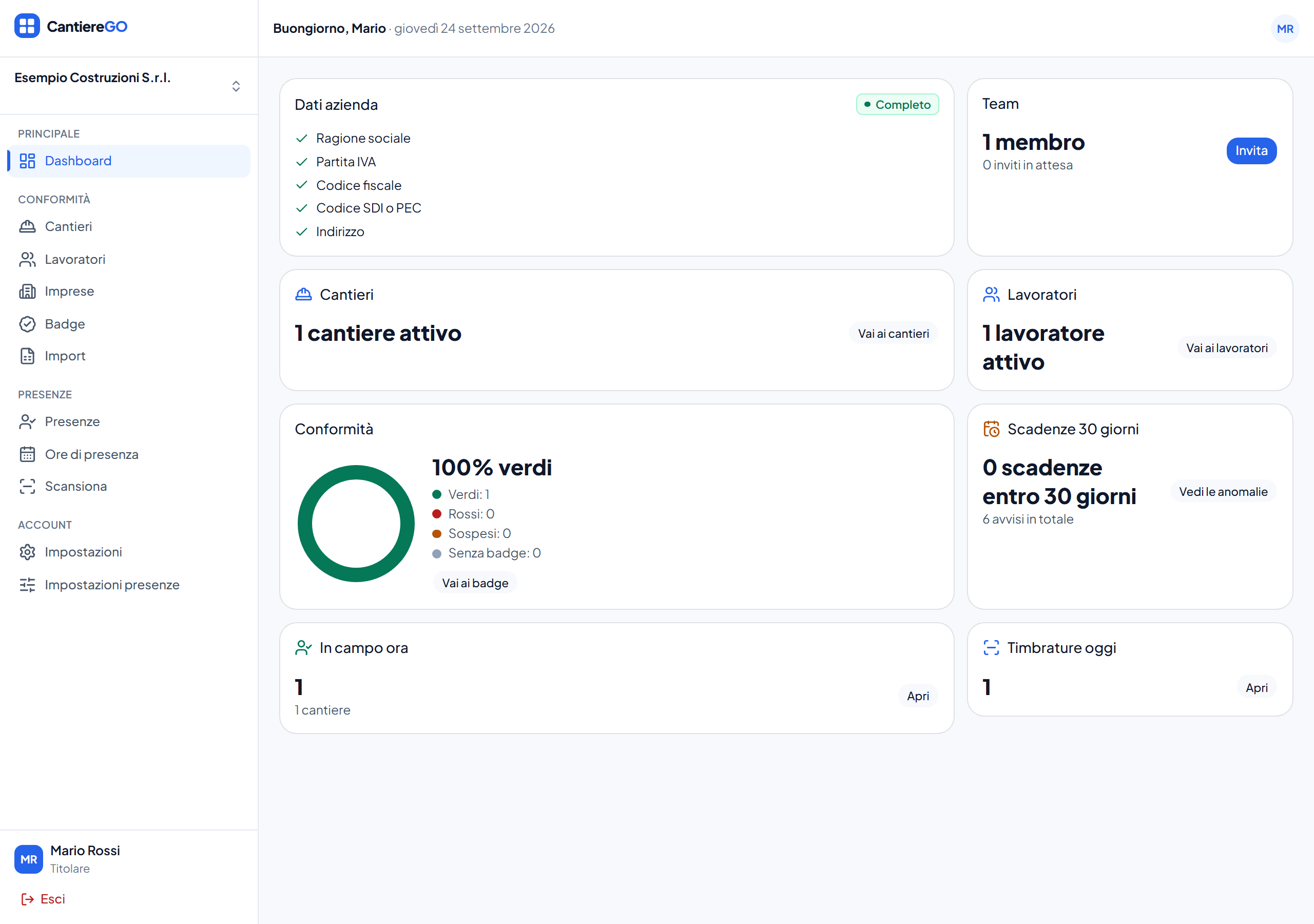
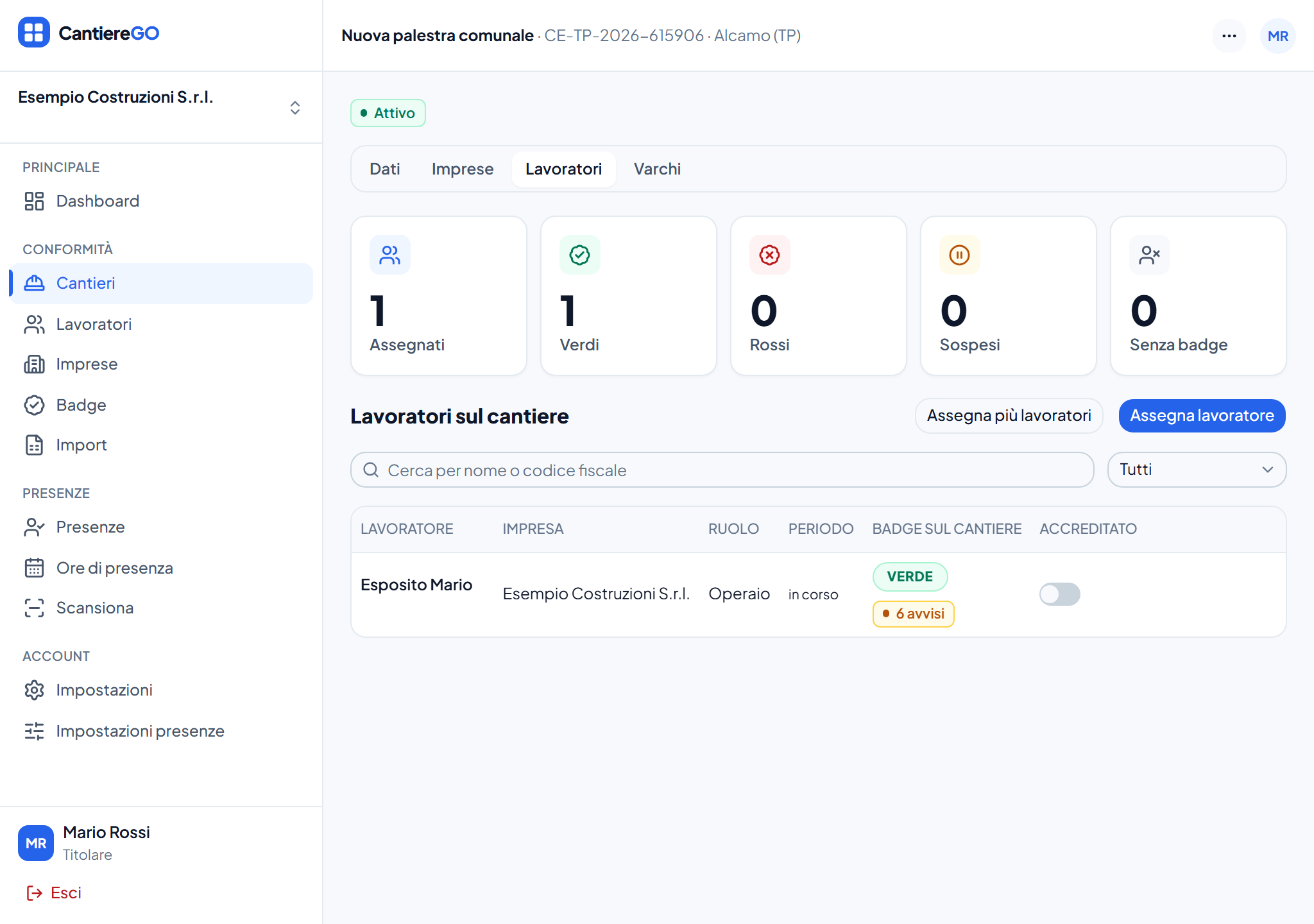
Every site has its employers, each with its role, and its assigned workers, with dates, roles and accreditation. The employer can be your own company or a subcontractor with its authorisation.
Patente a crediti, DURC, training, medical fitness: a badge is green, red or suspended because the system computes it from the facts; the office never writes it: it can only suspend, block, revoke or grant a tracked override, and the badge is recomputed.
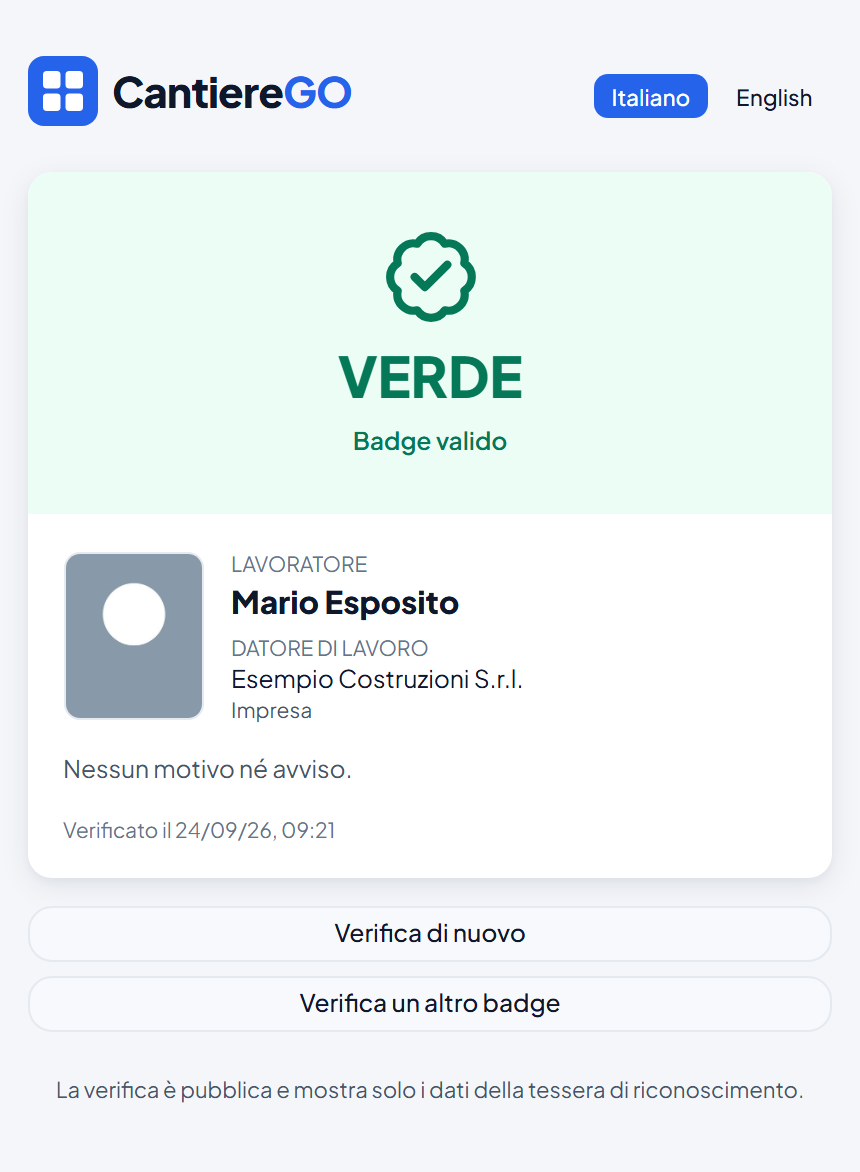
A printable card with a QR code and a public verification page: the inspector scans and reads the verdict, no account needed.
The office scans badges at the gate; a delegated tablet does it on its own, offline too, and syncs the punches when it is back online.
The worker opens the badge on the phone, punches in and out and, where the site requires it, only inside the perimeter. It works offline as well.
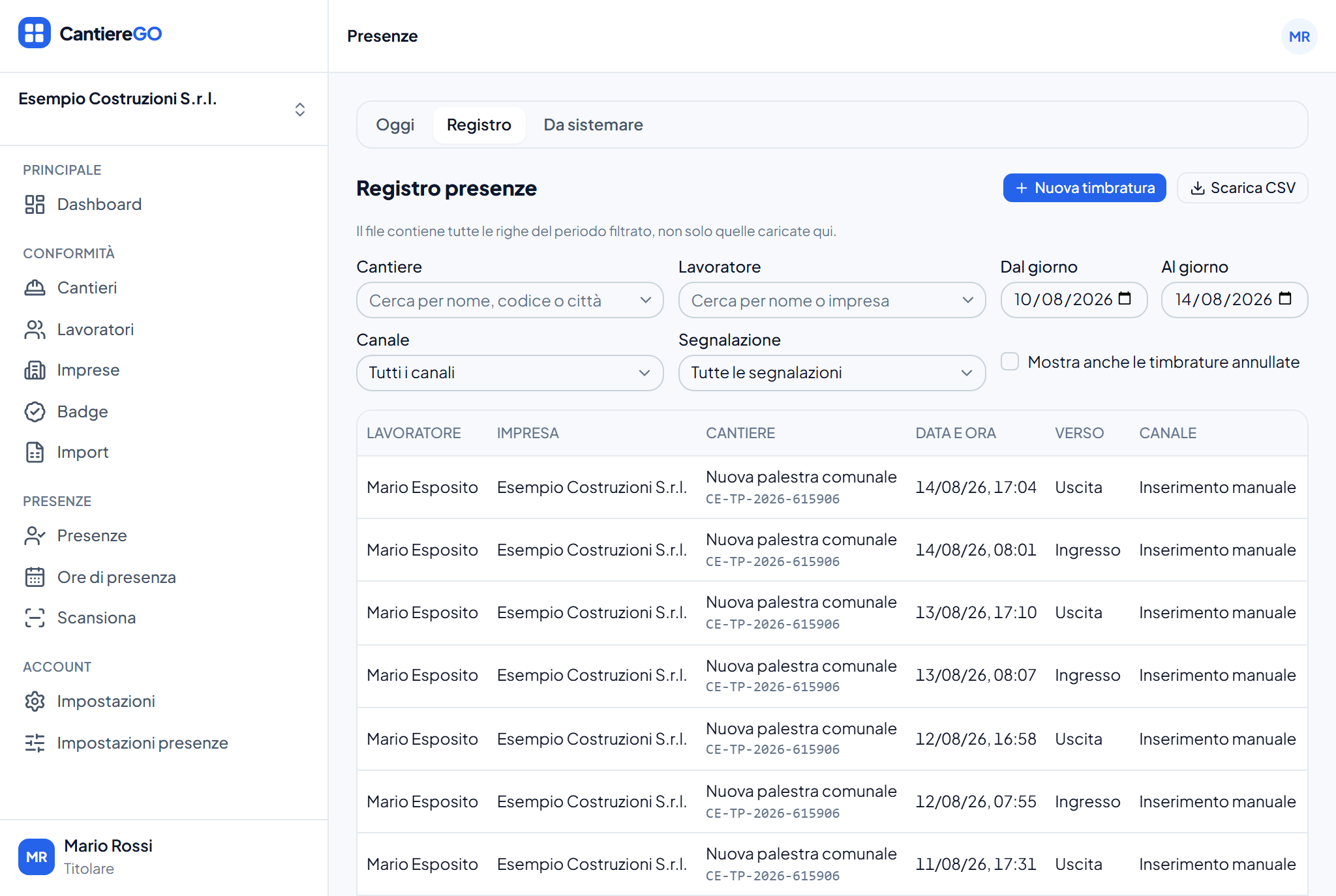
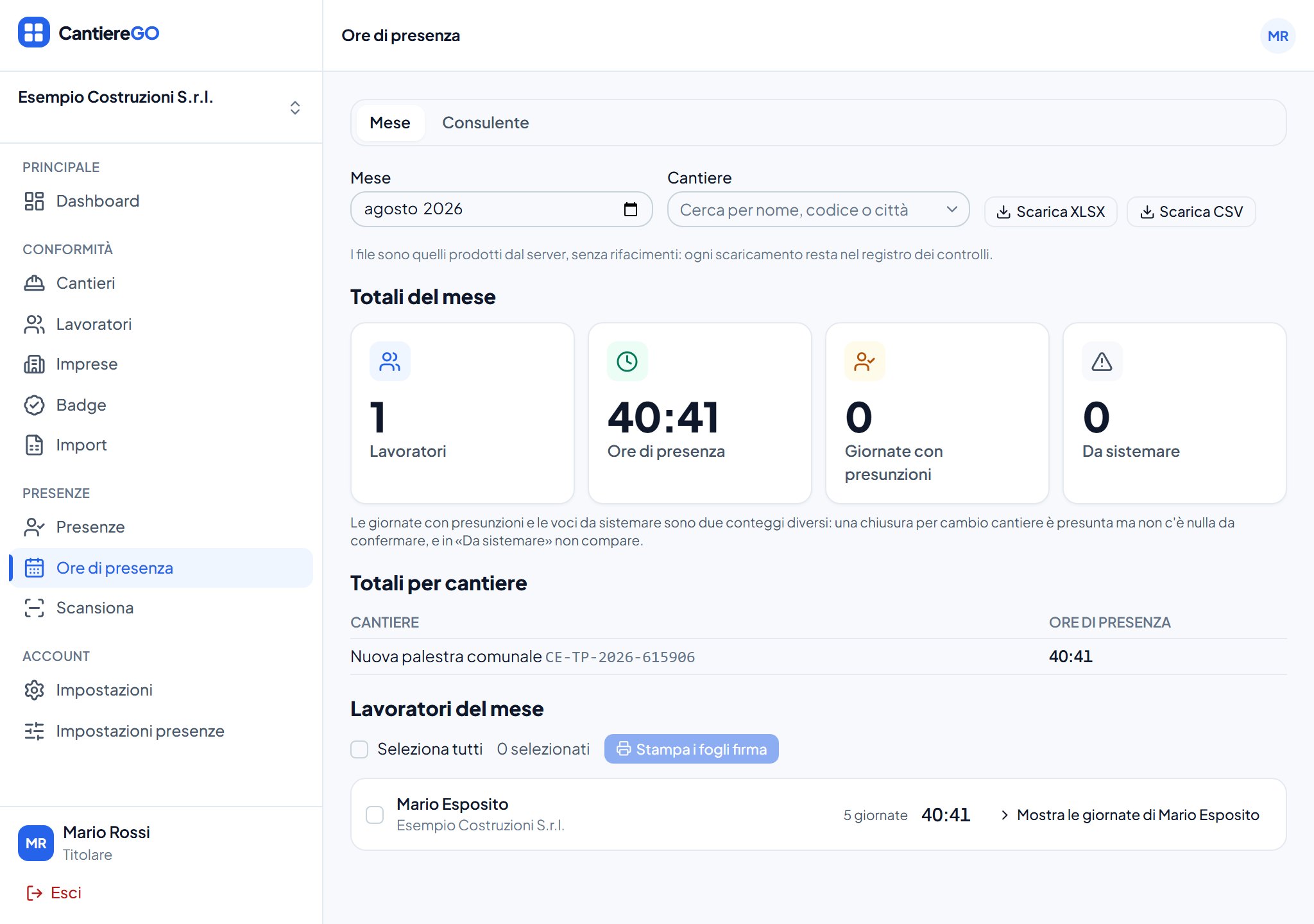
A register of punches, anomalies to settle, a monthly summary per worker and site, and the hours sent to the payroll consultant.
From an Excel file or one at a time, with employers and sites. Training, fitness and patente a crediti expiries live here.
Every worker gets a card with a QR code, or opens it on the phone. The compliance engine decides its state.
At the gate, from the kiosk or from the phone. At month end the hours are ready and reach the consultant in one click.
A badge's state is computed from facts: the worker's expiries, the employer's patente a crediti and DURC, the site's rules. Change a fact and the badge changes.
Three ways to punch, one rule: every punch goes through the same check and carries the badge's verdict for that site.
Whoever holds the permission scans badges from their own phone or tablet and sees the verdict with the photo at once.
A link with an expiry turns a tablet into a stand-alone gate, no account needed. It keeps working offline and syncs afterwards.
The worker punches from the phone, with the position checked against the site where the office has switched the perimeter on. Coordinates are never stored: only the distance from the site and the accuracy of the fix.
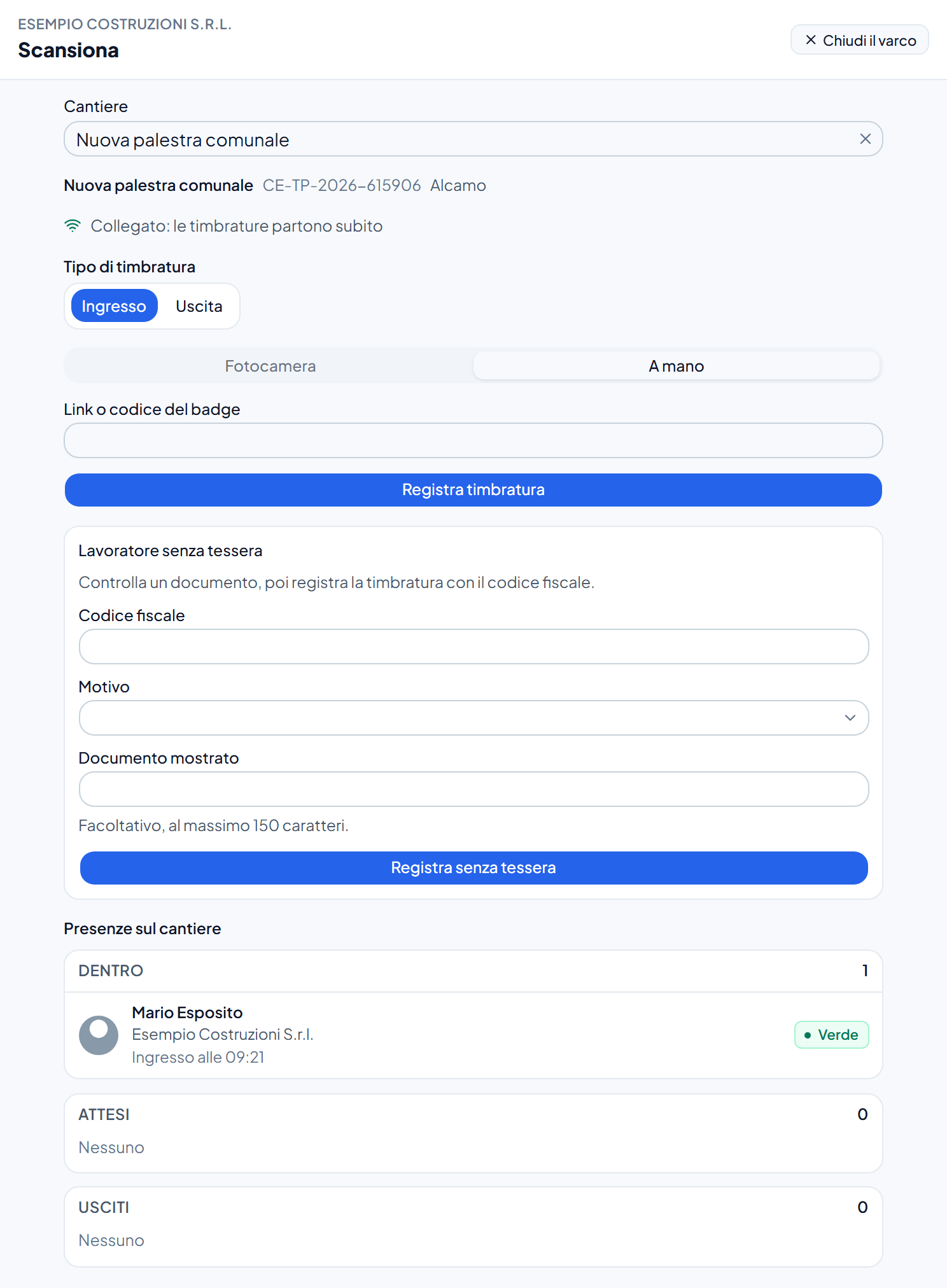
Today's attendance updates live, site by site. A forgotten exit becomes a proposal to confirm, not a hole in the monthly hours.
Every screen, message and email in the account's language. Printed documents and monthly hours stay in Italian, because they are Italian documents.
Every member can link their account to Telegram or WhatsApp with a confirmation from the app; the worker punches from the chat, under the same checks as the wallet, and the office decides which channels to enable for its company. WhatsApp is included from the Professional plan.
Automatic notices from the bot (forgotten exit, expiries, the office summary) are being activated.
The office issues an expiring code for one site. Its holder can view today's assigned crew, badge details and today's open presence intervals, in read-only mode. The office can revoke access and review its use. The code also shows, for that site and to whoever holds it, from the client and the safety coordinator to an inspector, the patente a crediti of every firm and self-employed worker, with the day the office checked it, the SOA qualification where it is the ground for the exemption, and the DURC, as the office recorded them.
From your account you can export your data, choose your marketing consent and request account deletion. Workspace owners can export company records and close the workspace, subject to ownership requirements and any holds on deletion.
Deleting an account does not erase worker records the company must retain. The company archive excludes fitness judgments with an outcome, the outcomes and medical documents, which are exported through the medical archive requested by whoever holds named access; inspector access includes neither documents nor attendance history.
No hidden cost, no credits to buy. The Starter plan is free for good.
Paid plans are activated from the app, by card or SEPA Direct Debit: register the workspace, enter the billing details and choose the plan on the Plan and billing page. The plan is on once Stripe confirms the subscription; the electronic invoice is issued by A176lab.
Free
No time limit
€79 per month
VAT excluded
€199 per month
VAT excluded
Register, load the workers and print the first badges. Free with two sites and ten workers.